
A condition record for every card intake
An Inspector workflow for shops buying and selling raw trading cards: capture, record an observation and hand over a clear customer copy.
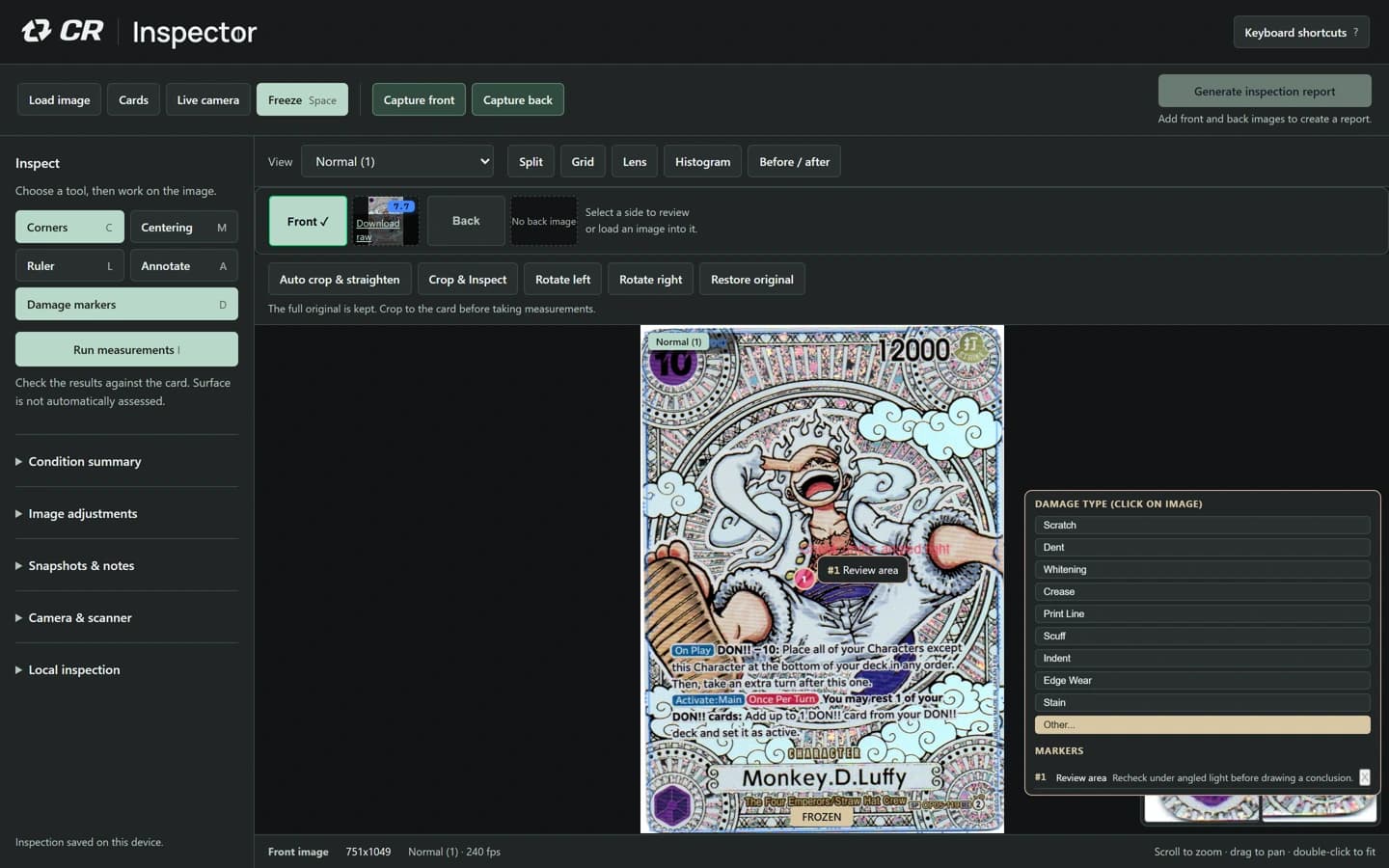
At the counter
Create a named card record and capture or load the front and reverse. Keep the full originals. Include an intake reference in the record so the images stay associated with the right card or sleeve.
Inspect an area in Normal and a comparison view. Place an observation marker and describe what you actually saw. A statement such as ‘recheck this corner under angled light’ records uncertainty more accurately than an unsupported diagnosis.
Keep the evidence with the observation
Attach a useful close-up at its position on the evidence map. Mark only the areas you inspected. Reviewed coverage describes your process; it does not certify that an area is defect-free.
Use customer notes for information intended for the customer. Keep internal pricing discussions or workshop instructions in the separate workshop notes.
Give the customer a clear copy
Export a portable project or explicitly save a cloud card, then reopen it and check both sides and the observation. A browser draft alone is not an independently retained intake record.
Preview the customer report or selected evidence pack before handing it over. A private card-ID label opens the owner’s record after sign-in. A published customer-report link can be opened by anyone who has it.
If you save a new cloud revision after publishing, the old customer link is revoked. Publish the new saved revision explicitly and send its current link.
Inspector is an operator-led inspection and record tool. CardRevive AI Grader is a separate product with a separate subscription; Inspector does not use AI to diagnose the card or promise a grade.
The PDF uses supplied card images and operator-entered demonstration observations. It is not a customer case study or an independent assessment of the sample card. The sample workflow is deliberately limited; saved projects and cloud sharing are available in the subscribed workbench.